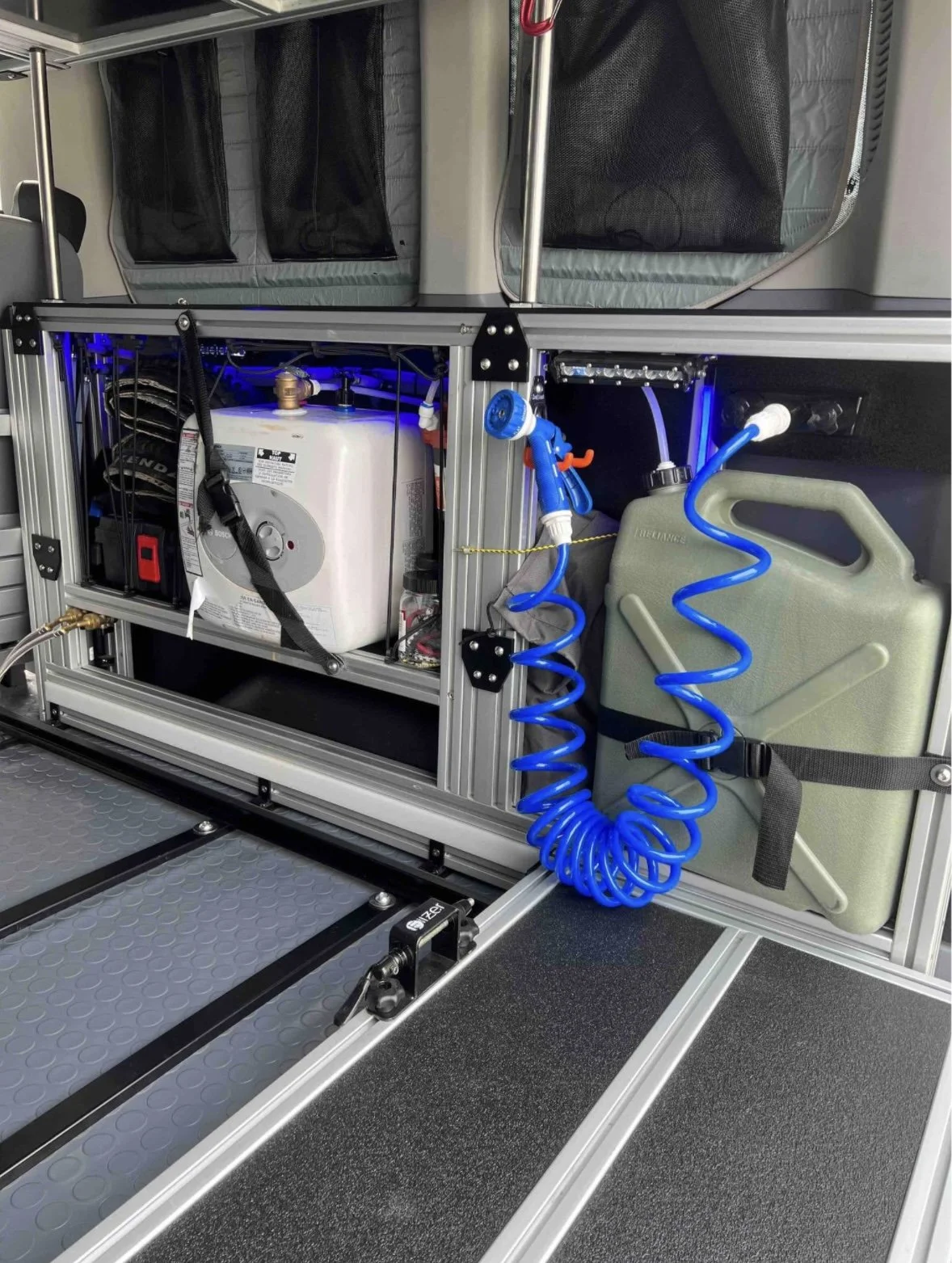
Water System
Your van comes equipped with a 6-gallon freshwater tank filled with filtered and softened potable water. This water supplies both the sink and the rear shower.
Great for washing your hands, brushing your teeth, washing your dog, or cleaning your bike!
Water Pump
These instruction are required for using the Sink and Shower head
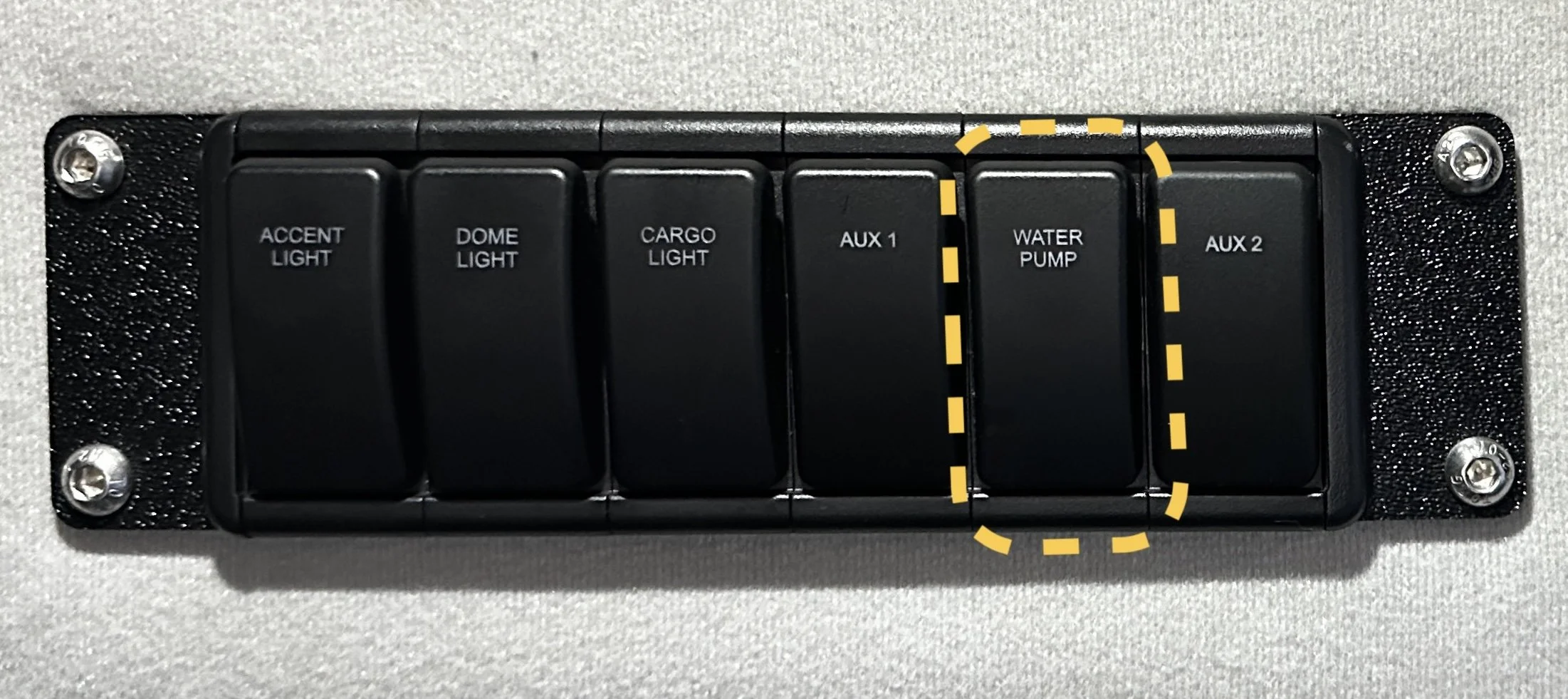
Turn on the Water Pump
Flip the rocker switch labeled WATER PUMP (located on the control panel).
The pump will draw water from the onboard jerry can.
It runs off the van’s battery and automatically shuts off when full pressure is reached.
When turned on, the pump will make a quiet hum/whirring sound. This is a good sound!
Using the water system
Hot Water Option
To activate hot water, turn the Hot Water Heater dial from OFF to IDEAL.
Allow a few minutes for the water to heat up.
Using the Sink
Water from the sink drains into the grey water tank located under the kitchenette.
The grey tank will fill after about 6 gallons of use (same as your main water capacity).
Emptying the Grey Tank
Pull out the kitchenette drawer using the yellow release trigger.
Remove the grey tank, empty it, and reinstall.Turn on the Water Pump